SlotFlo
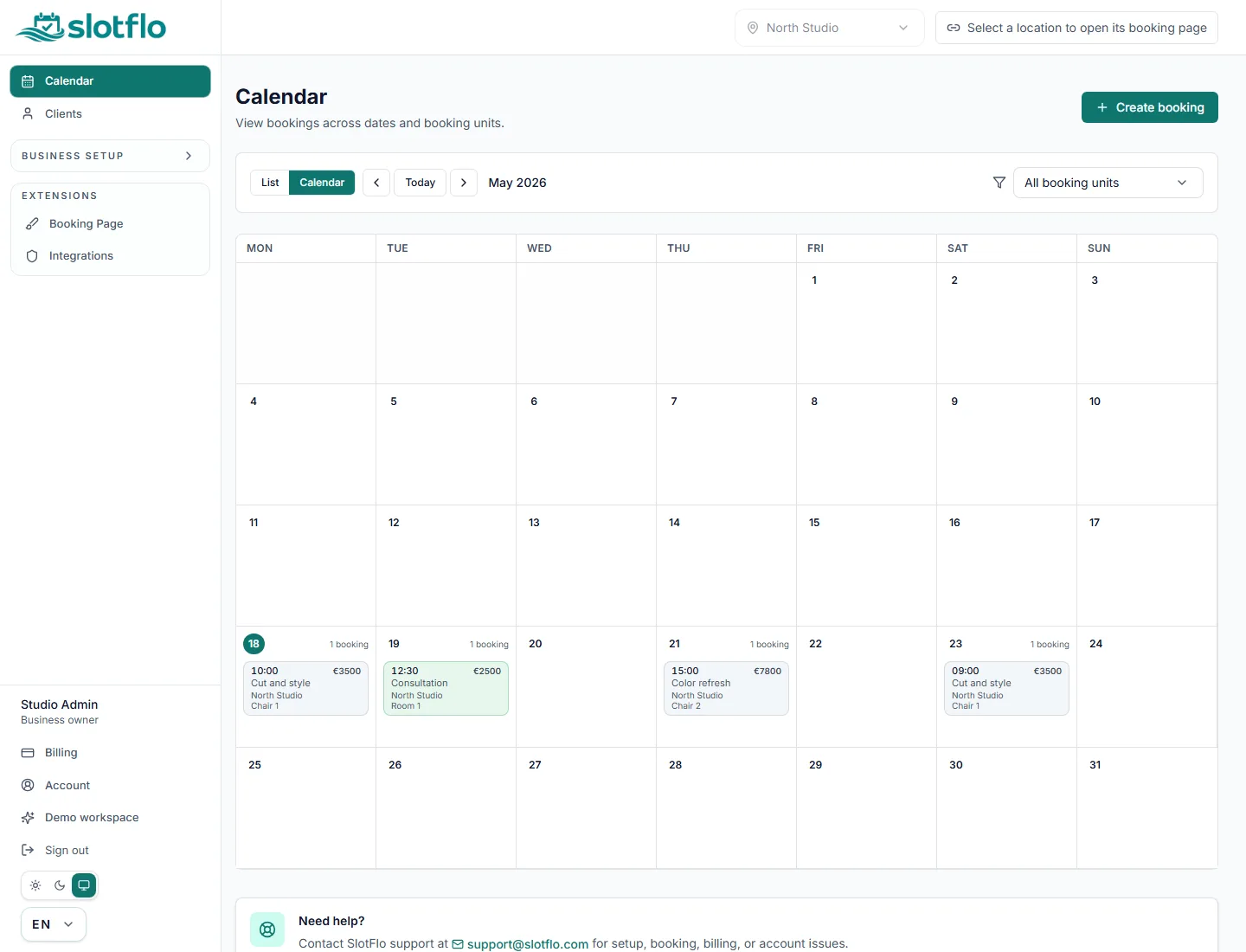
See the day in one workspace
Review bookings, available slots and service context without switching tools.

Let clients choose a real available slot in seconds while you manage services, staff, resources, clients and bookings from one clean workspace.
Your customers keep their time. Your team keeps control of the day.
7-day free trial. Card required. Sign in to explore the demo workspace.
Start with a 7-day free trial. Card required. Paid billing starts automatically unless you cancel before the trial ends.
Perfect for solo professionals just getting started.
For growing businesses that need more power.
For teams and enterprises with advanced needs.
* Unlimited in normal use. Operational anti-abuse ceilings may still apply and can be raised by support when needed.
Product previews
Static previews with sample data show the owner workspace and public booking flow while the interactive demo stays behind sign-in.
Review bookings, available slots and service context without switching tools.
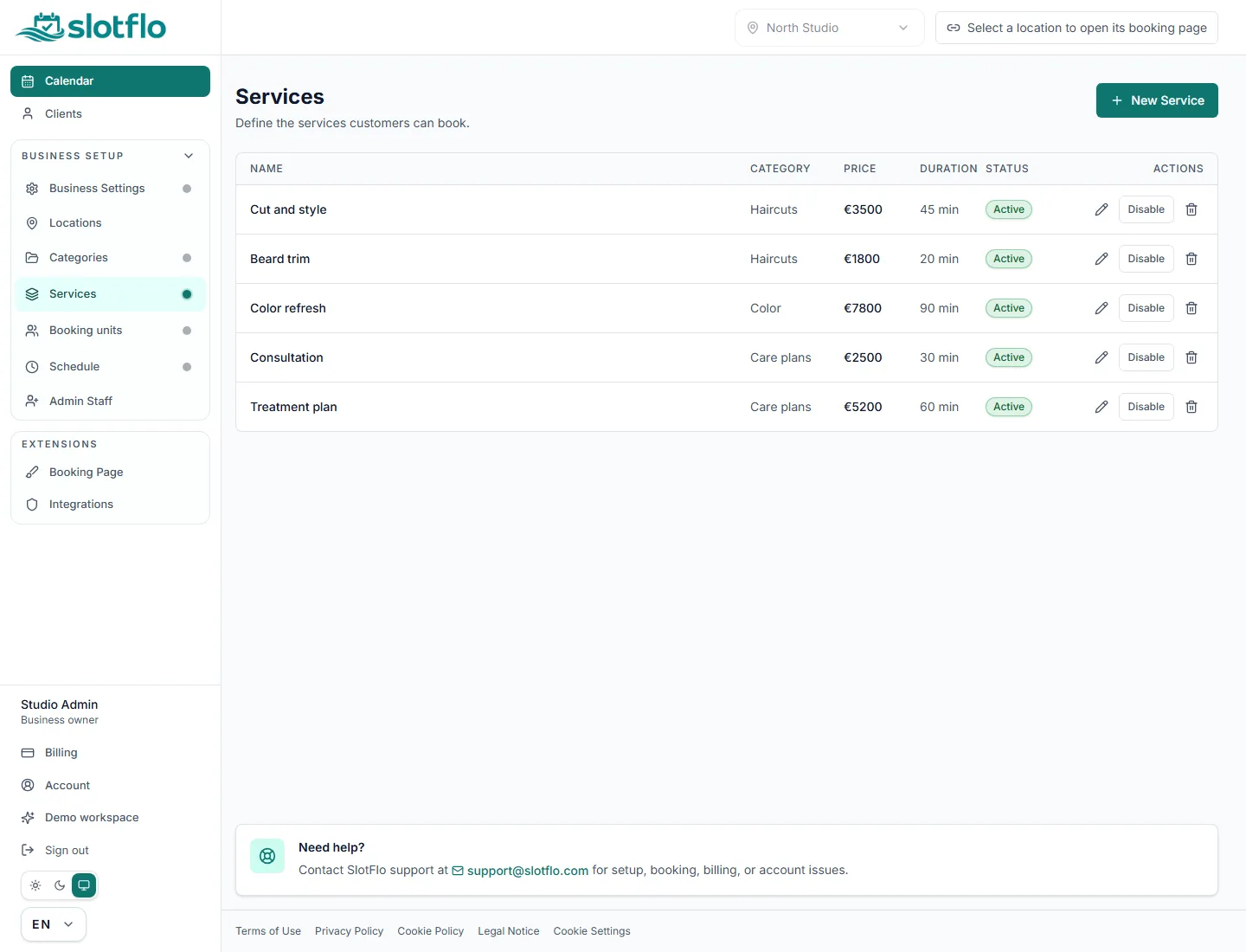
Configure services, categories and booking options around the way your business works.
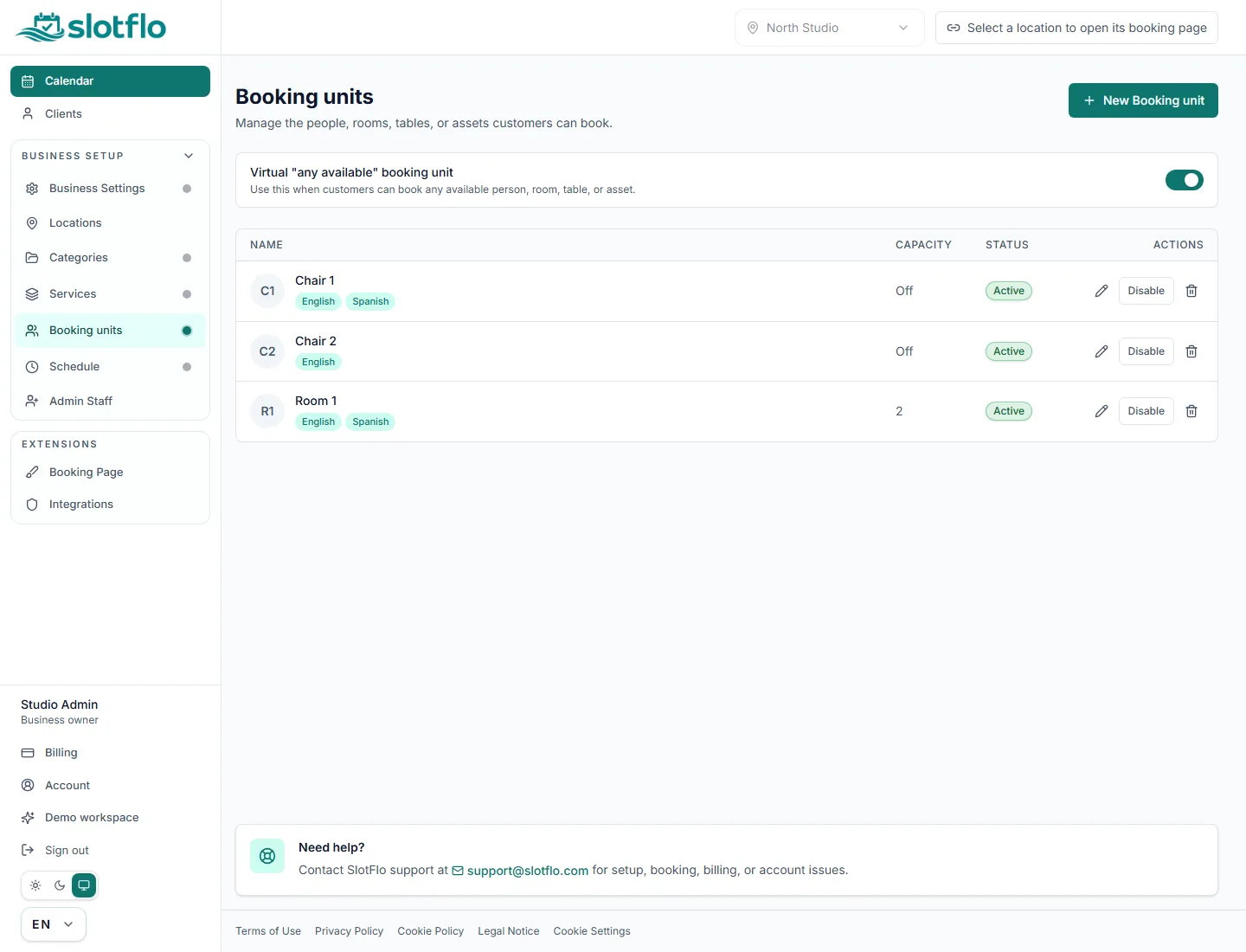
Connect services to staff, rooms, chairs or other resources so clients choose real open slots.
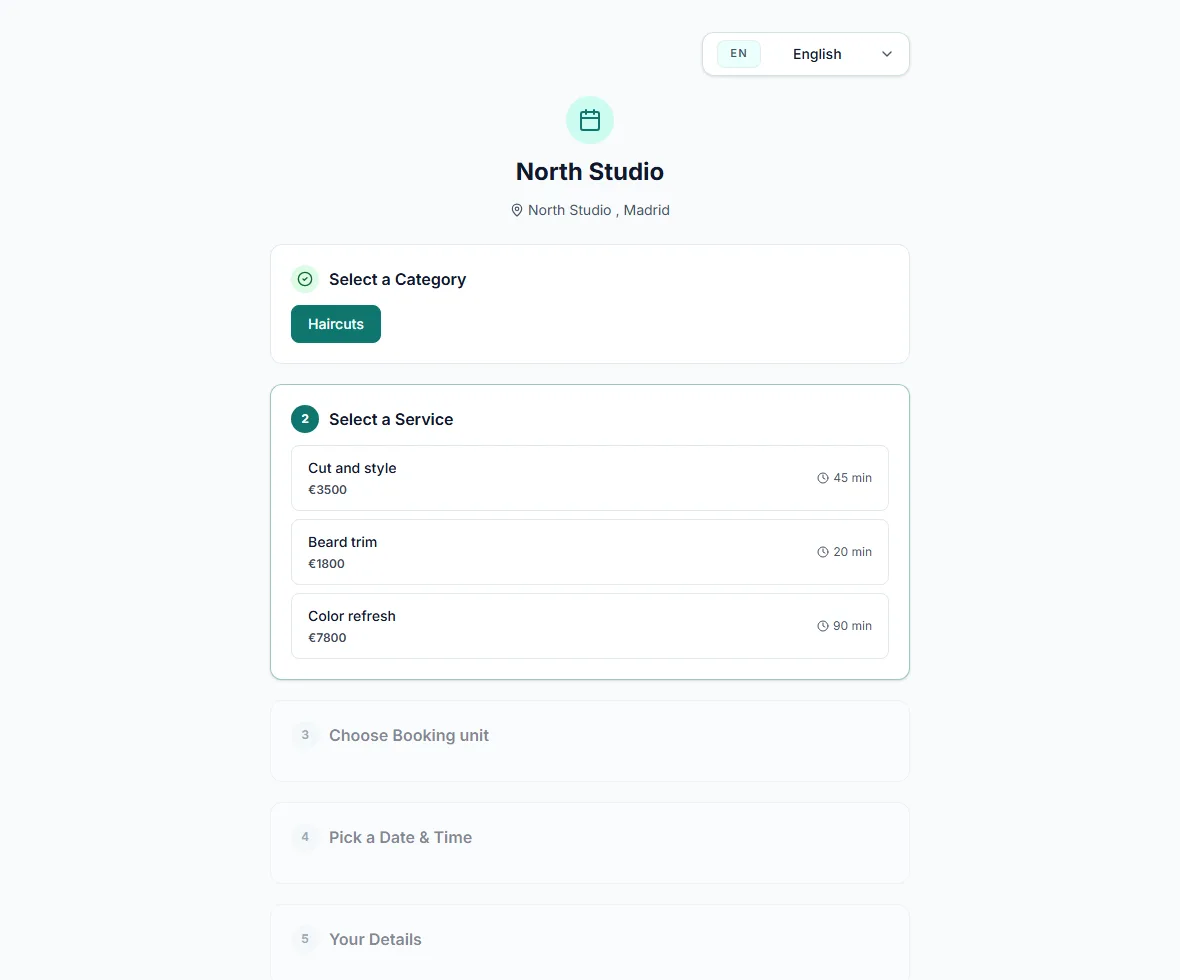
Give clients a clear flow for choosing the right service, time and details.
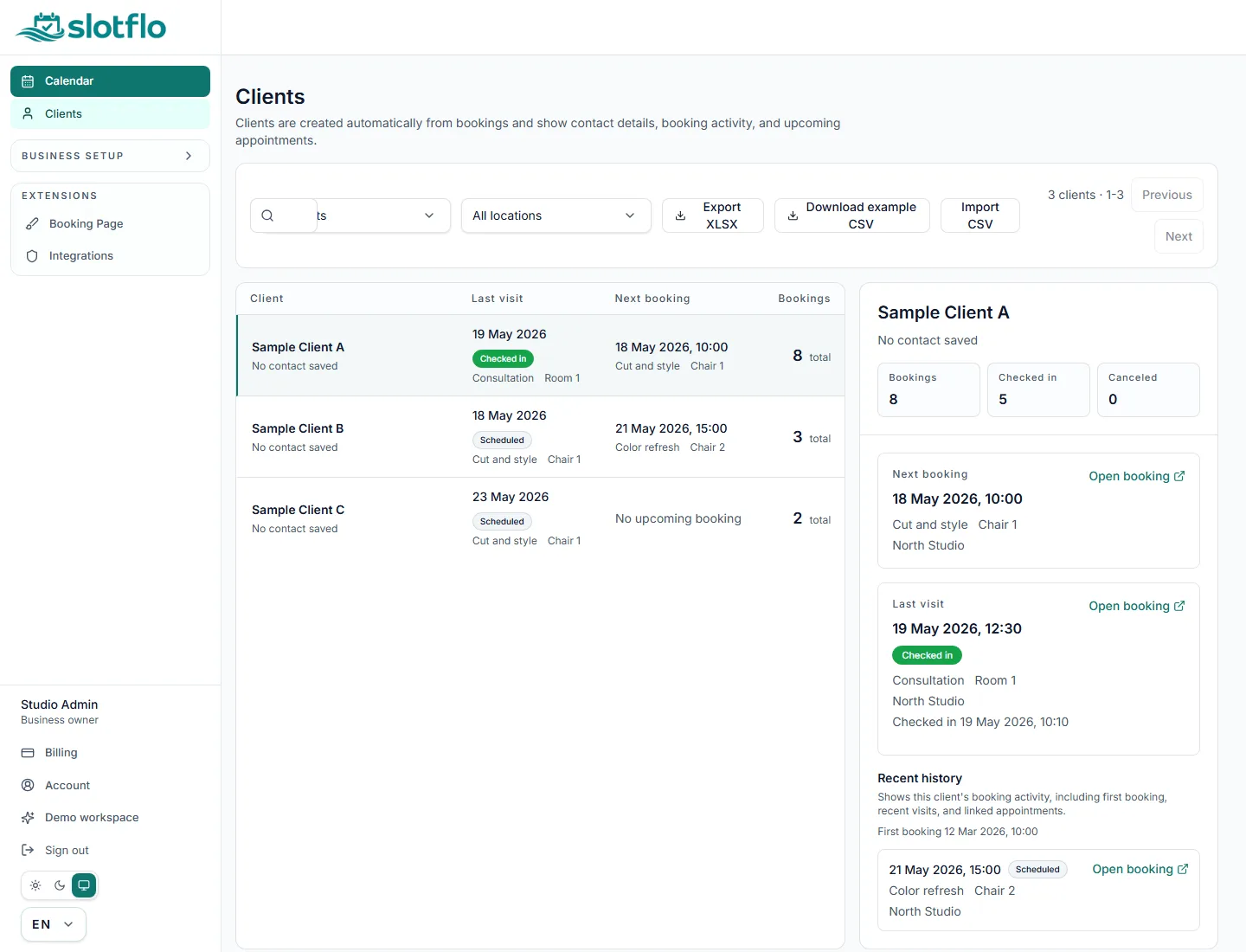
Use client records to support booking operations and future customer workflows.
SlotFlo is positioned for small service teams that need fewer manual messages, clearer available slots, and a shared place to manage client booking operations.
SlotFlo keeps the customer journey simple and gives the business an operational view of bookings, services, staff calendars, and client data.
Follow a guided setup, then share your booking page when your catalog and schedule are ready.
Start your account with a supported provider and continue into the same onboarding flow.
Add your categories, services, and booking units. We guide you through each one.
Define working hours, time slots, and days off from a single screen.
Copy your public booking URL and share it when setup is complete.
SlotFlo brings public booking, client history, team access, integrations, and AI support into one launch-ready booking system.
Start with the customer-facing layer first: one public page, one booking calendar, and the core bookable structure behind it.
Business owners do not have to stitch together separate tools when the catalog and client records grow beyond the first setup week.
When the business stops being a solo operation, SlotFlo is already prepared for staff seats, import and export, mobile QR access, and shared booking access.
EXPERT capabilities stay grounded in real operations: API access, AI Assistant (Beta), message capacity, and widget delivery.
SlotFlo is agent-ready by design. In addition to human-facing owner tools, SlotFlo includes controlled API surfaces for automation and a separate Agent API designed for bots and AI agents. The Agent API is intended for permissioned booking workflows such as availability discovery, booking orchestration, and integration handoffs without scraping customer-facing pages. Runtime API access is authenticated, scoped, and not exposed as crawlable public content. Some capabilities are intentionally plan-gated or beta, including client CRM, import/export, staff access, mobile QR scanning, and AI-ready architecture. SlotFlo avoids unsupported payment collection, text-message reminders, or hands-off AI booking claims.
Get direct answers about booking pages, trial billing, staff calendars, client CRM, localization, privacy boundaries, and AI/API limits.
SlotFlo is online booking software for service businesses. It gives you a public booking page for clients and an owner workspace for services, staff or resources, working hours, bookings, clients and daily schedule management.
A customer chooses a service, staff member or resource, date and available time, then enters contact details and optional notes. The business sees the booking in the owner workspace.
Owners can configure the business profile, location, services, categories, staff or bookable resources, working hours and public booking link. The owner workspace also handles bookings, clients, staff access, billing and advanced plan-gated features.
Yes. Salons can use SlotFlo when clients need to choose a service, provider or resource, date and available appointment time.
SlotFlo includes client records for booking operations. Deeper CRM workflows, import and export are plan-sensitive capabilities.
Fully autonomous public AI booking is not a public launch claim. Any automated booking workflow must respect permissions, availability, business configuration and plan limits.
Try SlotFlo in real use for 7 days. Card required to start the trial.